Mermaid Diagrams & Gantt for Confluence
Write diagrams as text, see them render live. Examples, syntax help and export built in — your data never leaves Atlassian.
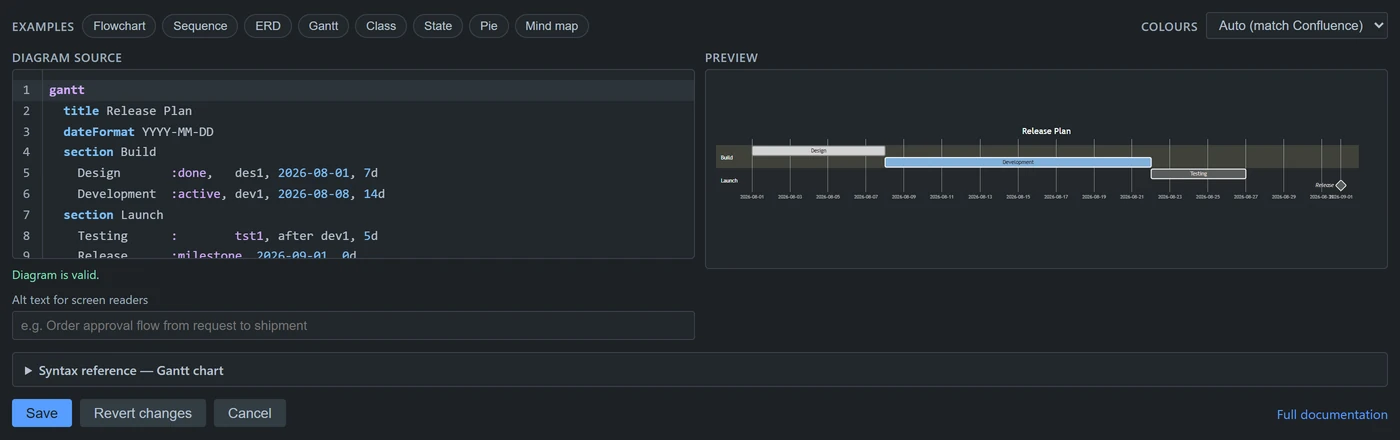
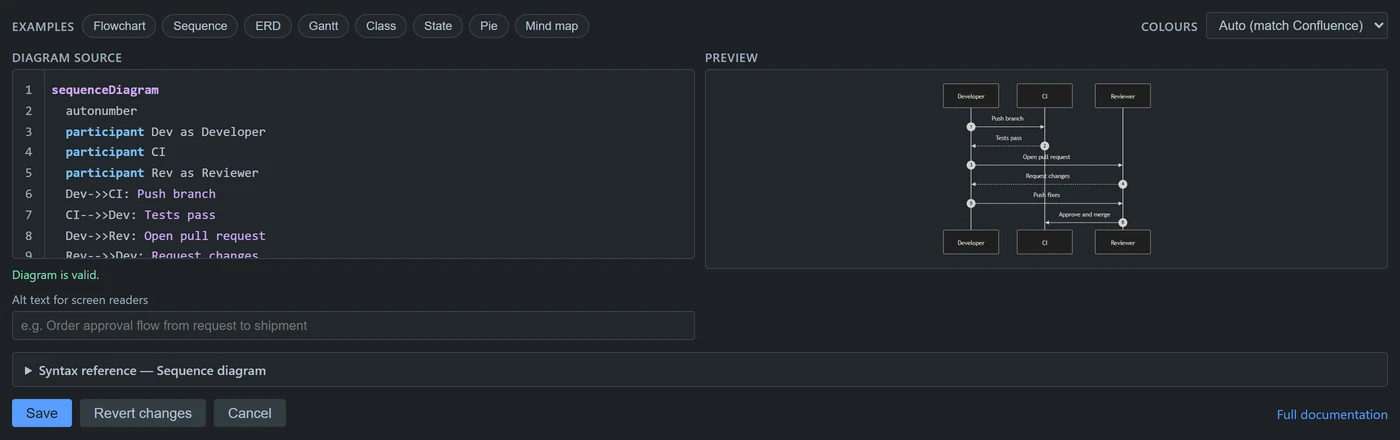
Demo
Writing
Most Mermaid tools hand you an empty box and expect you to know the syntax. This one does not.
- Syntax highlighting for keywords, arrows, brackets and comments
- Live preview that updates as you type
- Eight examples to start from — pick one and edit by example
- A syntax reference that changes with your diagram type
- Validation that blocks saving a diagram that will not render
- Revert, plus the last five saved versions of every diagram
Reading
- Zoom, fit-to-width and full screen for large diagrams
- Light and dark themes that follow Confluence, or a fixed theme per diagram
- Diagrams are included when a page is exported to PDF
- Download as SVG or PNG, or copy the image to your clipboard
- Copy the diagram source in one click
- Alt text so diagrams are described to screen readers
Linking
Any node can open a link:
flowchart LR
  A[Design] --> B[Build] --> C[Ship]
  click A "/wiki/spaces/DOCS/pages/12345"
Nodes become clickable and keyboard accessible, so a diagram points
at the Confluence pages and Jira issues behind each step. Only
ordinary http and https links are
permitted — the renderer stays fully sandboxed, so a diagram cannot
inject scripts into a page.
Supported diagrams
Flowcharts, sequence diagrams, entity relationship diagrams, Gantt charts, class diagrams, state diagrams, pie charts, mind maps, user journeys, timelines, quadrant charts and git graphs — anything Mermaid supports.
Security
Permissions
None requested. Confirm it yourself on the install screen.
Rendering
Entirely in your browser. Diagram text is never transmitted.
Storage
In the Confluence page itself. We hold no copy.
Sanitisation
Always on. Diagram source cannot execute scripts.
Support
support@eriksenlabs.com — or read the common questions first.